Logo
latest

LUX Walker:

  • Instant VR
  • Automated Workflow
  • Easy Collaboration
  • Typical Workflow

Getting Started:

  • Virtual Reality
  • System Requirements
  • Installation

Exporting Projects:

  • Exporting to LUX Walker
    • 3Ds Max Export
    • Blender .WALK Plugin
    • Revit .WALK Addin
    • Rhino .WALK Plugin
    • Sketchup .WALK Plugin
    • OBJ Export

Using LUX Walker:

  • Quick Start
  • Step into VR
  • Share a .WALK Project

Advanced Features:

  • LUX Walker Settings
  • LUX Home

Support:

  • FAQ
  • Troubleshooting
  • Need Help?
  • EULA
LUX Walker
  • Docs »
  • Instant VR »
  • Exporting to LUX Walker
  • Edit on GitHub

Exporting to LUX WalkerΒΆ

../_images/3dtools.jpg

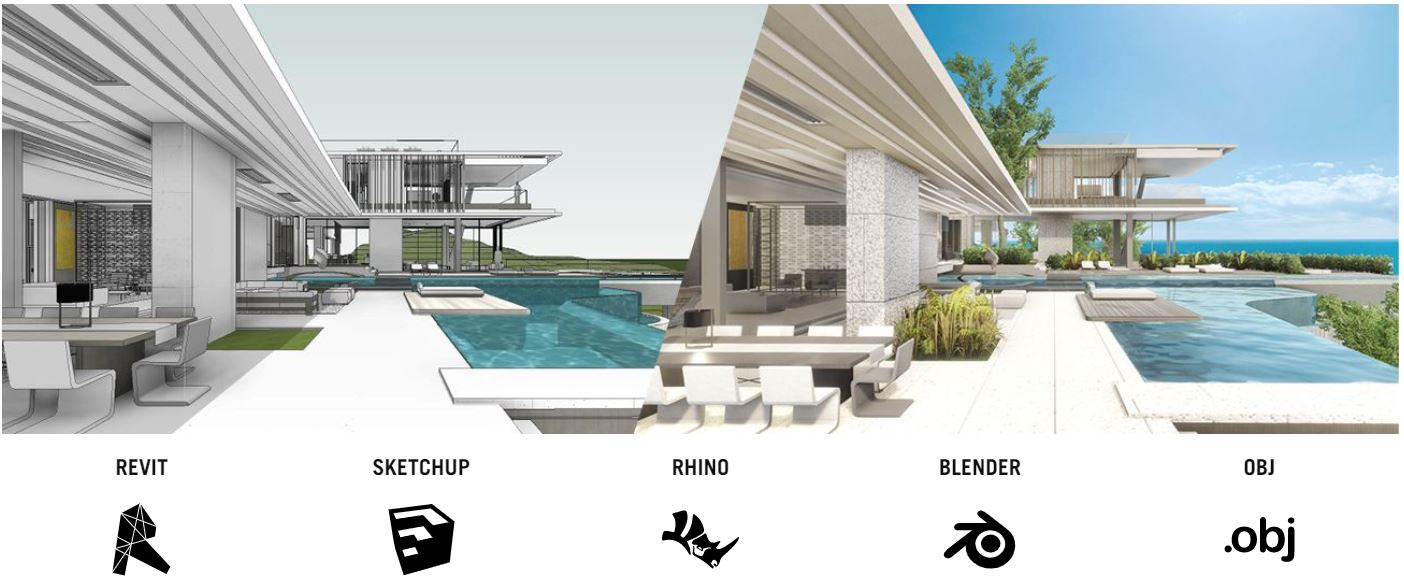
Plugins for various 3D tools export a .WALK file which can be opened in LUX Walker. See below for more information using your favorite tool.

Exporting from 3Ds Max

  • 3Ds Max Export
    • Project Information - 3Ds Max
    • Model Preparation - 3Ds Max
    • Exporting a .WALK File
    • FAQ - 3Ds Max

Exporting from Blender

  • Blender .WALK Plugin
    • Project Information - Blender
    • Model Preparation - Blender
    • Exporting a .WALK File
    • FAQ - Blender

Exporting from Revit

  • Revit .WALK Addin
    • Project Information
    • Model Preparation
    • Export Process
    • FAQ - Revit

Exporting from Rhino

  • Rhino .WALK Plugin
    • Project Information - Rhino
    • Model Preparation - Rhino
    • Exporting a .WALK File
    • FAQ - Rhino

Exporting from Sketchup

  • Sketchup .WALK Plugin
    • Project Information - SKP
    • Model Preparation - SKP
    • Exporting a .WALK File
    • FAQ - SKP

Packaging OBJ Files

  • OBJ Export
    • Project Information - OBJ
    • Model Preparation - OBJ
    • Creating a .WALK File
Next Previous

© Copyright 2019, Tenebris Lab (PTY) Ltd Revision 6984b61a.

Built with Sphinx using a theme provided by Read the Docs.